
Movie pages
01Cinematic edits, quotes, character posts, film moments, and fan pages.
Now in open alpha
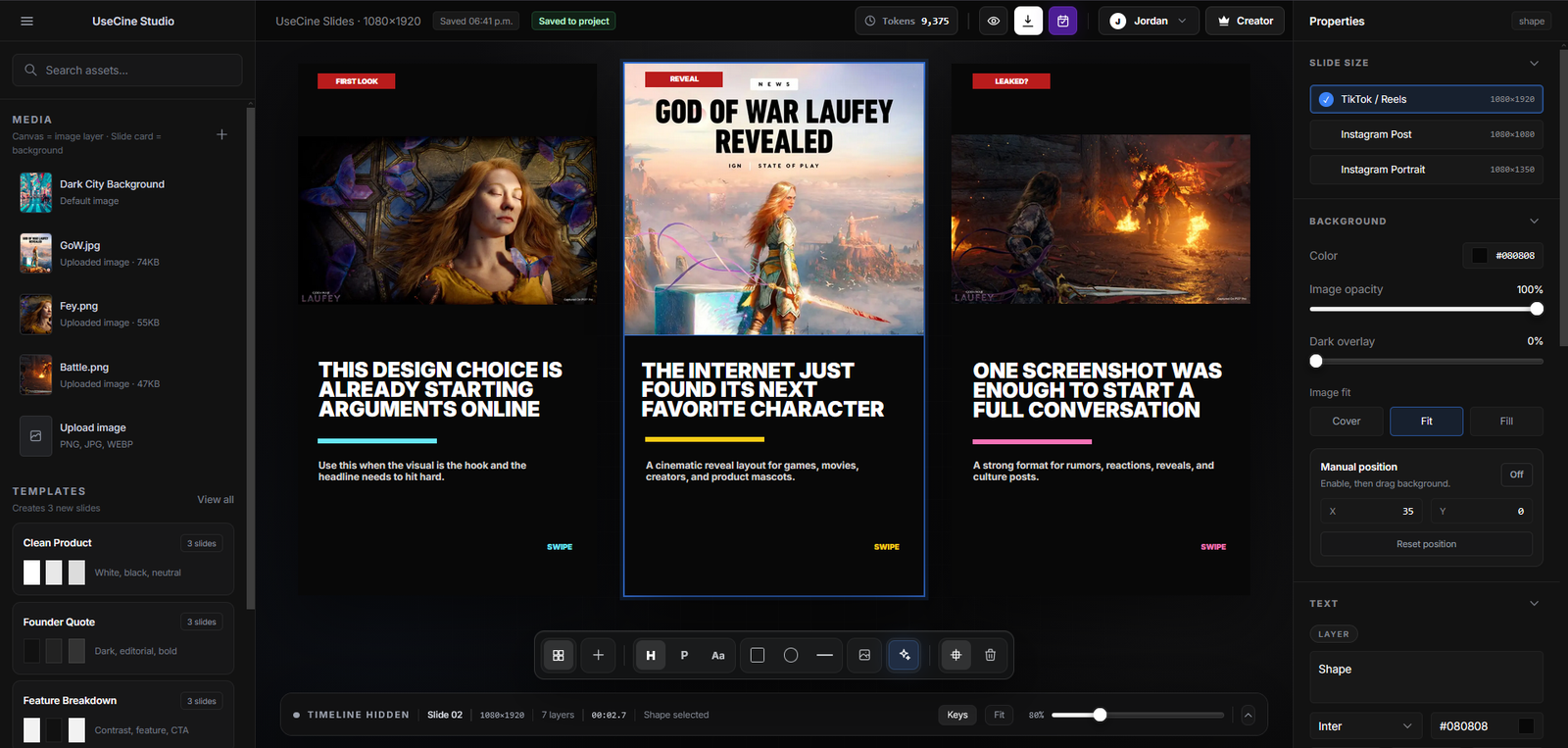
Cine is a focused browser editor for building short-form slide content with clean layouts, media, text, layers, backgrounds, and export tools.
Loved by creators and small teams
Visual workflow
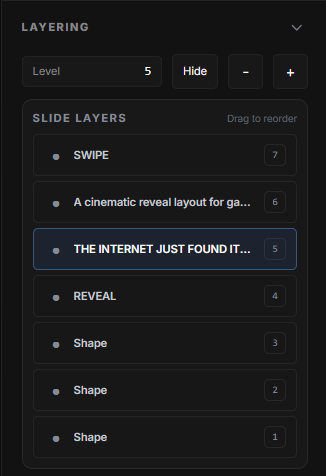
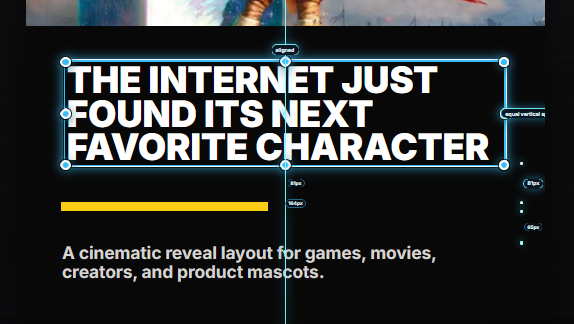
Cine gives you a focused canvas for creating TikTok slides, carousels, image stories, and polished social posts with text, media, layers, backgrounds, and export tools.
AI creation
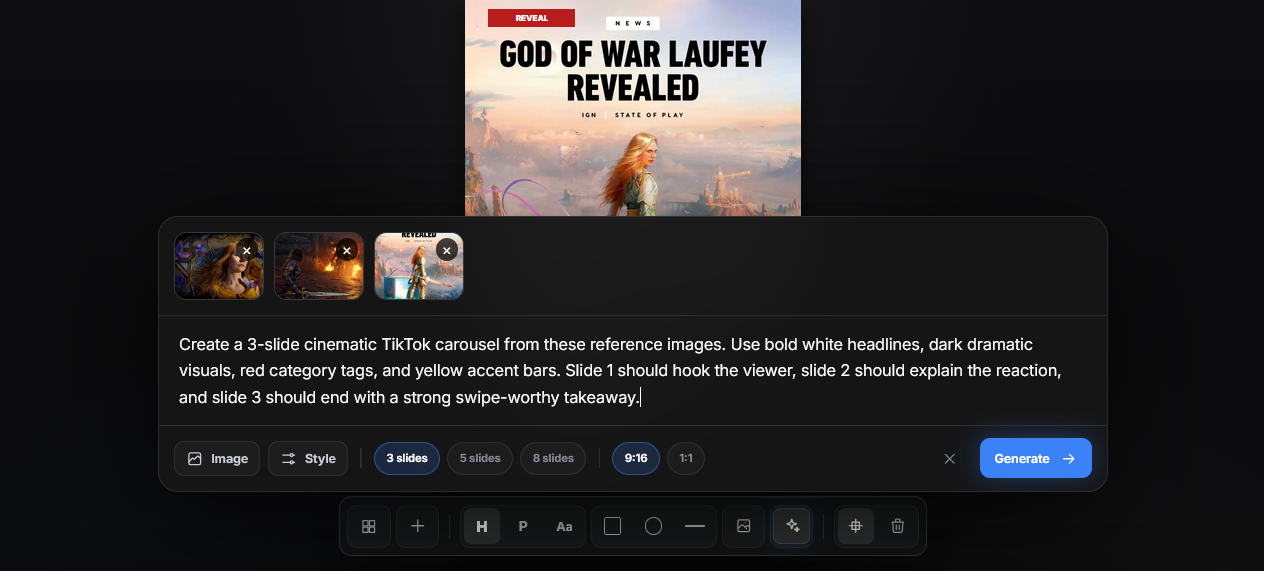
Use Cine to move from a rough idea into ready-to-edit slide content. Generate direction, build structure, then refine the final post inside the editor.
Content planning
Build multiple posts at once, organize your slide ideas, and prepare content before it needs to go live. Cine helps you keep your creative workflow moving without starting from scratch every time.

Content styles
Cine helps you build different types of Instagram-style pages using repeatable formats for movie edits, fact carousels, memes, gaming news, and more.
Open editor
Cinematic edits, quotes, character posts, film moments, and fan pages.

Curiosity hooks, list posts, swipe carousels, saves, and shareable facts.

Relatable posts, reaction clips, short hooks, captions, and viral moments.
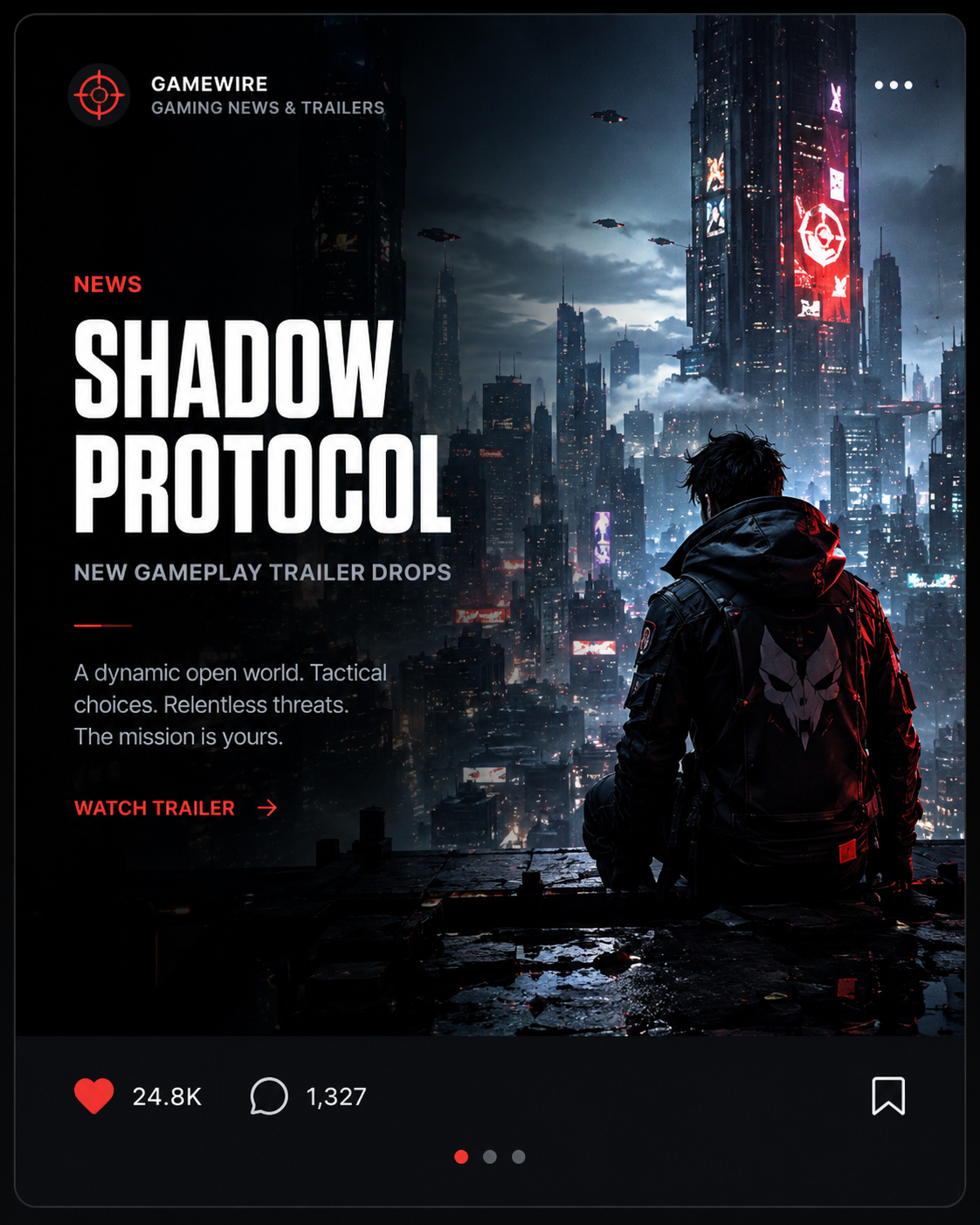
Trailer drops, updates, rankings, release news, and game-focused posts.
Pick a content style, reuse the structure, and keep publishing without designing every post from scratch.

A format for every creator
Cine helps you build celebrity news cards, movie reveals, product drops, quote slides, and short-form visual posts without starting from scratch.
Turn viral actor moments, entertainment updates, fan reactions, and culture stories into bold scroll-stopping posts.

Build clean movie announcements, sequel reveals, cast updates, trailer posts, and entertainment breakdowns.

Create polished product announcements, partner reveals, launch posts, feature highlights, and promo slides.

Cine keeps the workflow light and focused from first idea to final exported post.
All in one
Design, arrange, export
Browser
Open and start creating
9:16
TikTok, Reels, stories
Fast
Draft, adjust, duplicate
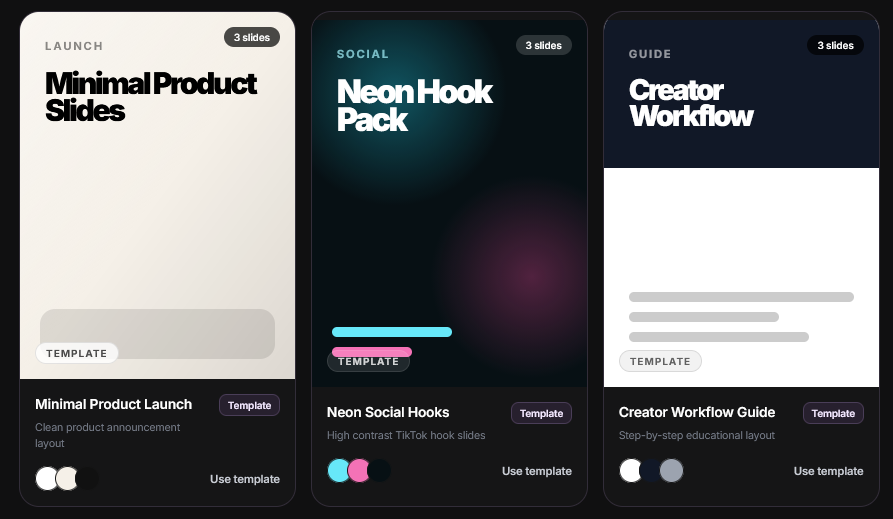
Cine is a browser-based slide editor for creating TikTok slides, image stories, carousels, visual posts, and short-form content. It gives you a focused canvas, layers, media tools, templates, AI-assisted creation, and export features in one place.
No. Cine runs in your browser, so you can open the editor and start creating without downloading a heavy desktop app.
You can create TikTok-style image slides, Instagram carousels, quote posts, reveal slides, product breakdowns, educational posts, story slides, and other visual content designed for social platforms.
Yes. Cine includes AI-assisted tools to help turn rough ideas into slide directions, layouts, captions, and editable visual content. You can still refine everything manually inside the editor.
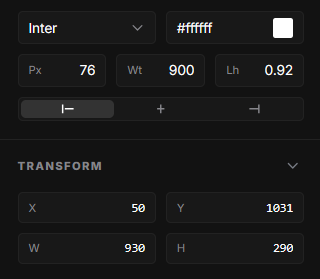
Yes. You can upload images, use them as slide backgrounds, place them as layers, adjust positioning, and combine them with text, shapes, dividers, and other visual elements.
Cine is focused on slide-based visual content first. It is built for creators who want to design image slides, carousels, and social posts quickly without dealing with a complex traditional video editor.
Cine is currently in open alpha. You can start using the editor now, and pricing or account limits can be added later as the product grows.